

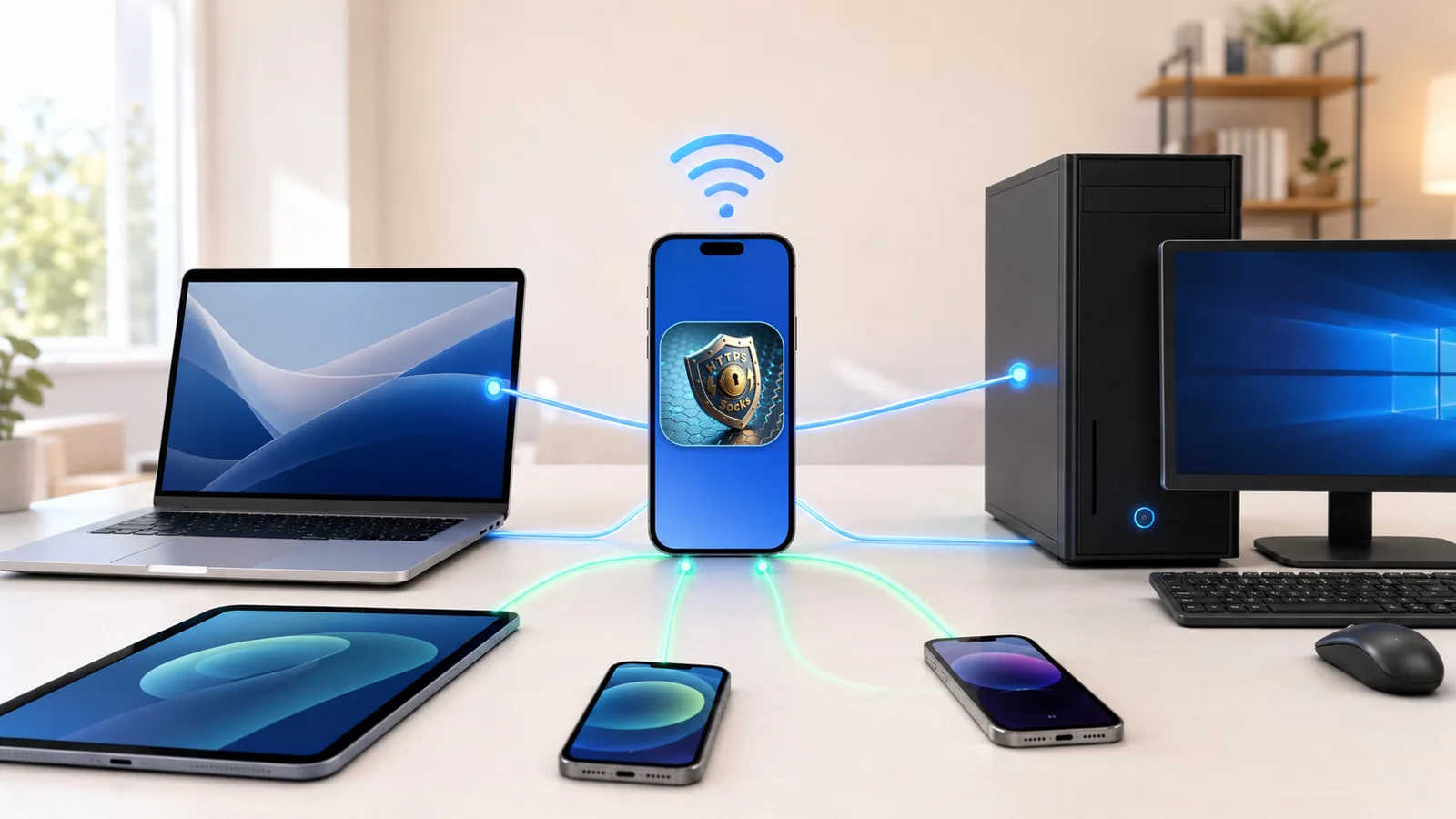
MonoProxy 2.8.3 is now available for iPhone and iPad. This release makes a local proxy easier to automate, more resilient when the network changes, and more capable for apps that need UDP as well as TCP.
The headline upgrade is simple: a saved proxy profile can now become part of a Shortcut, a Siri request, or a personal automation. At the same time, profiles no longer have to depend on an address that may become stale after changing Wi-Fi networks.
Start a proxy with Siri and Shortcuts
MonoProxy profiles are now available to Apple Shortcuts. Select a saved profile, add it to an automation, or invoke it with Siri to start the intended listener without rebuilding the configuration by hand.
This opens useful workflows around time, location, Focus modes, and other system automation triggers. You remain in control: the action starts the profile you selected, and MonoProxy continues to show the real listener state in the app.
Profile additions, edits, removals, and resolved address changes are synchronized with Shortcuts so the available choices remain current.
Profiles that follow the network
A fixed local IP address is fragile. Your iPhone can receive a different address when you reconnect, move between access points, or join another network.
MonoProxy 2.8.3 stores the selected network interface and resolves its current address when the profile starts. This helps a profile survive normal address changes without silently binding to an outdated endpoint.
Recovery stays conservative. MonoProxy avoids moving a profile across unrelated interfaces when that could select the wrong network. The result is less setup repetition without turning automatic recovery into guesswork.
SOCKS5 UDP relay
SOCKS5 support now includes UDP relay for clients and applications that use datagrams. The implementation covers:
- IPv4 destinations;
- domain-name destinations;
- IPv6 destinations;
- optional username and password authentication;
- endpoint locking and malformed-fragment rejection;
- automatic UDP resource cleanup when the SOCKS5 TCP control connection closes.
That lifecycle matters. A UDP association must not outlive the authenticated control session that created it, and a closed session must release its resources so the next connection can start normally.
Clearer interruption and recovery signals
If a network change, unavailable interface, listener failure, or iOS background condition stops the proxy, MonoProxy now preserves the reason and can deliver a local notification. Returning to the app presents a clear recovery message instead of leaving you to infer what happened.
The notification path was hardened against duplicate stop events, delayed asynchronous delivery, and stale messages after automatic recovery.
Easier setup across devices
The connection assistant now gives Android users a direct setup path and makes SOCKS5 UDP availability visible. The core model stays unchanged: one local address and port, familiar HTTP and SOCKS choices, and no remote account required.
The compact music control also receives a redesigned vertical volume panel with continuous dragging, mute control, outside-tap dismissal, accessibility improvements, and corrected right-to-left hit testing.
Built for local control
MonoProxy runs on your iPhone or iPad and serves devices that can reach it on the current network. It does not create a VPN, provide remote proxy locations, install a root certificate, decrypt HTTPS, or send your traffic through a MonoWare cloud relay.
Version 2.8.3 has been validated against connection storms, repeated listener restarts, authenticated and unauthenticated sessions, large transfers, and the complete SOCKS5 UDP destination matrix.
MonoProxy remains a one-time purchase with no subscription or account requirement.
Download MonoProxy on the App Store, or open the MonoProxy product guide for setup and protocol details.
For a deeper look at the protocol model, read One port, five proxy protocols and the iPhone local proxy hub guide.