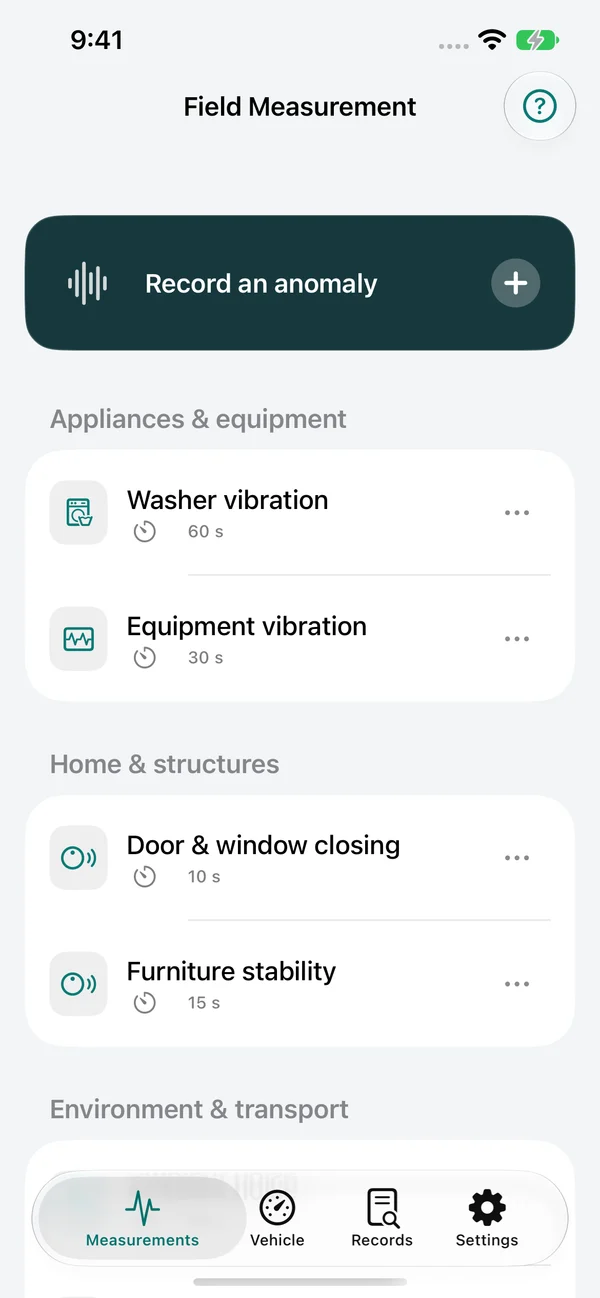
An unfamiliar rattle. A sudden jolt. Something that feels different after an adjustment. Keep a record of the moment, find the part worth reviewing and compare your next test with the last. A peak alone rarely tells the whole story. Inspect what happened before and after it, with sound, vibration and your own observations on one timeline. Start the next test from a saved record. Keep the placement and conditions consistent so a different setup does not look like a better result. Alongside the timeline, FFT spectrum analysis helps you inspect recurring frequency components. Live vibration spectra and post-recording analysis help review what repeats and at which frequencies. A spectral peak is a clue to investigate, not an automatic diagnosis of a component or fault.
Related topics
unusual sound recording
vibration records
repeat test comparison
field notes
In practice
Where it fits, how it works, and what stays private.
01
Use case
Equipment that sounds different: Keep a baseline and document an unfamiliar rattle or vibration. A jolt that happens once in a while: Record a repeatable session and mark the moment you noticed. Before and after an adjustment: Review the change under matching conditions instead of relying on memory.
02
How it works
Keep the context: Choose a scenario, note the object and its conditions, secure the phone and start recording before reproducing the issue. Find the moment: Add a marker while recording. Later, inspect candidate events, surrounding sound and vibration, and your on-site notes. Check the change: Repeat with the same setup. Compare the records and share a PDF or CSV when someone else needs the details.
03
Privacy boundary
No account is required for local recording and review. Saved measurements stay on the device until you choose to export or share them. Raw audio is saved only when you enable it.