

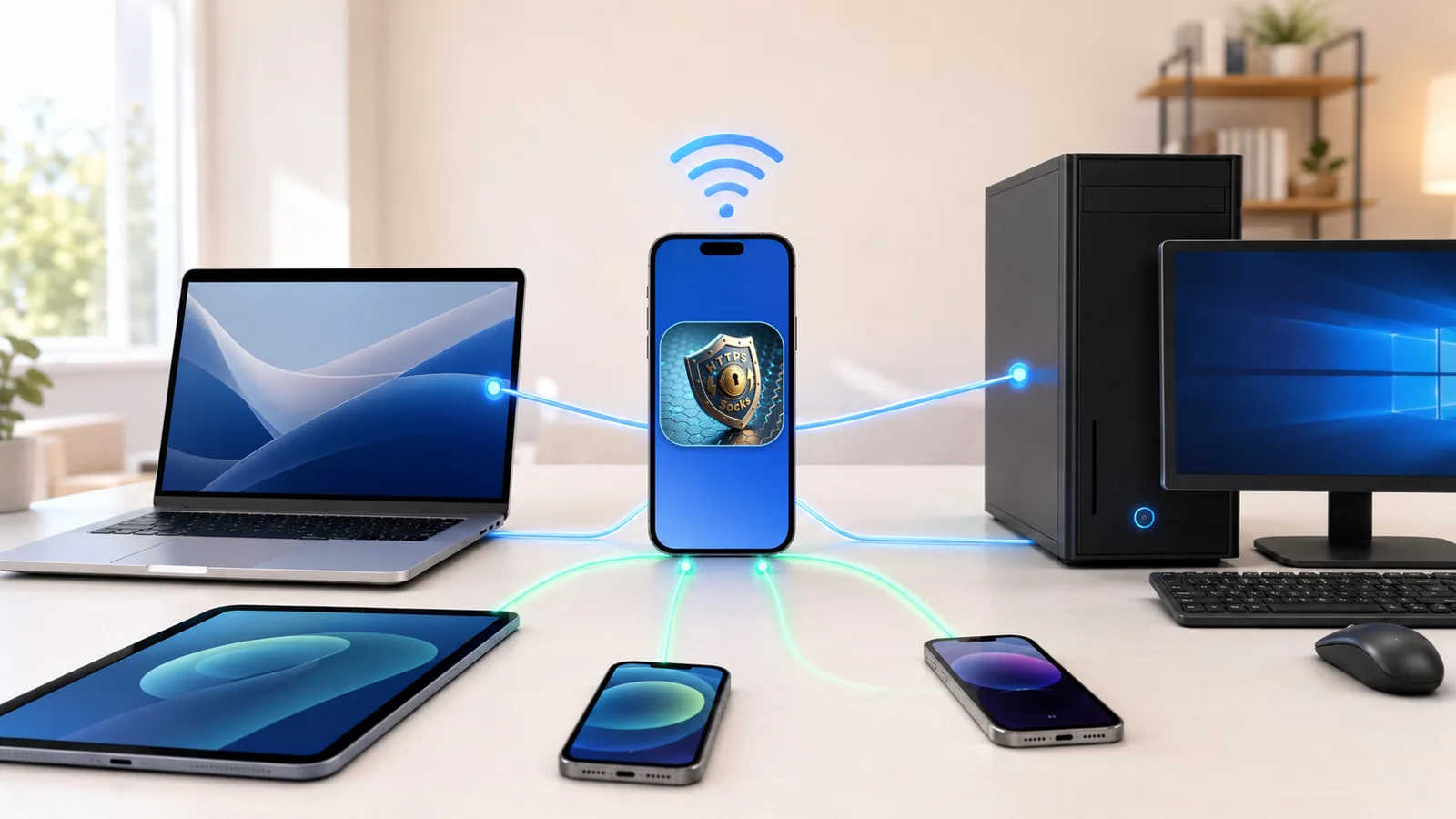
MonoProxy 2.4.0 is now available on the App Store for iPhone and iPad.
This release concentrates on a practical question: once another device has connected to the proxy, will the session remain understandable and reliable when the work becomes larger or lasts longer?
Version 2.4.0 improves the transfer path, adds a local setup page for nearby devices, makes outbound IP checks easier to compare, and strengthens recovery when the network or service state changes.
More reliable transfers
Small requests can hide problems that only appear during a real download, upload, or long-running session. MonoProxy 2.4.0 expands the cases covered by its transfer path:
- large HTTP downloads;
- regular and chunked uploads;
Rangerequests used for partial downloads and resume flows;- HTTPS CONNECT and SOCKS tunnels;
- long-lived connections and bidirectional half-close behavior.
The aim is not to promise that every network will behave perfectly. It is to preserve the protocol behavior that clients expect, classify failures clearly, and avoid presenting an incomplete transfer as a successful one.
A local setup page for nearby devices
Configuring a Mac or PC should not require repeatedly copying values from several screens. While MonoProxy is running, its local setup page brings the current connection details together in one place.
It can provide the active host and port, PAC information, platform-oriented commands, and a sample of the phone's outbound IP. A nearby device can open that page on the same reachable network and compare its own result with the phone.
The page is local. It does not expose the proxy password, create a remote account, or turn the iPhone into a public relay.
Clearer diagnostics and recovery
A listener can be running while a client is still misconfigured. A client can connect while no useful traffic has crossed the proxy. MonoProxy continues to separate those states:
- Listening means the selected local endpoint is ready.
- Client Connected means another device reached the listener.
- Traffic Verified means bytes actually passed through the proxy.
Version 2.4.0 improves the checks around startup, authentication, client controls, network changes, and service-state recovery. The Diagnostic Center keeps these signals separate so that a blocked client, an unavailable interface, a timeout, and a connection limit do not collapse into the same vague error.
One endpoint, familiar protocol choices
MonoProxy still accepts the supported proxy protocols on one local host and port:
- HTTP forward proxy;
- HTTPS CONNECT;
- plain
ws://WebSocket forwarding; - SOCKS4 and SOCKS4a CONNECT;
- SOCKS5 CONNECT with optional username and password authentication.
Clients still need to select a compatible proxy type. MonoProxy detects the incoming handshake and routes it to the matching protocol implementation.
Access controls remain available for less trusted local networks. You can generate credentials, configure a per-client connection limit, apply private-network or IP/CIDR rules, and disconnect an active session.
Safer everyday controls
The main controls have also been refined. Stopping a running proxy now uses hold-to-stop protection to reduce accidental shutdowns. Startup and network-change handling provide a clearer path back to a valid listener instead of leaving the interface out of sync with the service.
These are deliberately small interaction changes, but they matter when several nearby devices depend on the same endpoint.
Privacy and product boundaries
MonoProxy runs a user-controlled proxy on the local network. It has no remote traffic backend and does not require an account.
It is not a VPN, does not provide remote proxy locations, and does not automatically route every app on the iPhone. HTTPS CONNECT remains an opaque tunnel: MonoProxy does not install a certificate or decrypt HTTPS content. Client devices must support proxy configuration and must be able to reach the iPhone or iPad on the current network.
iOS can suspend network activity after an app leaves the foreground. MonoProxy makes its service state visible, but it does not claim unlimited background execution.
Available now
MonoProxy 2.4.0 supports iOS 15 and later. It remains a one-time purchase with no subscription or feature tier.
Download it from the App Store, or visit the MonoProxy product guide for setup, protocol, and privacy details.