

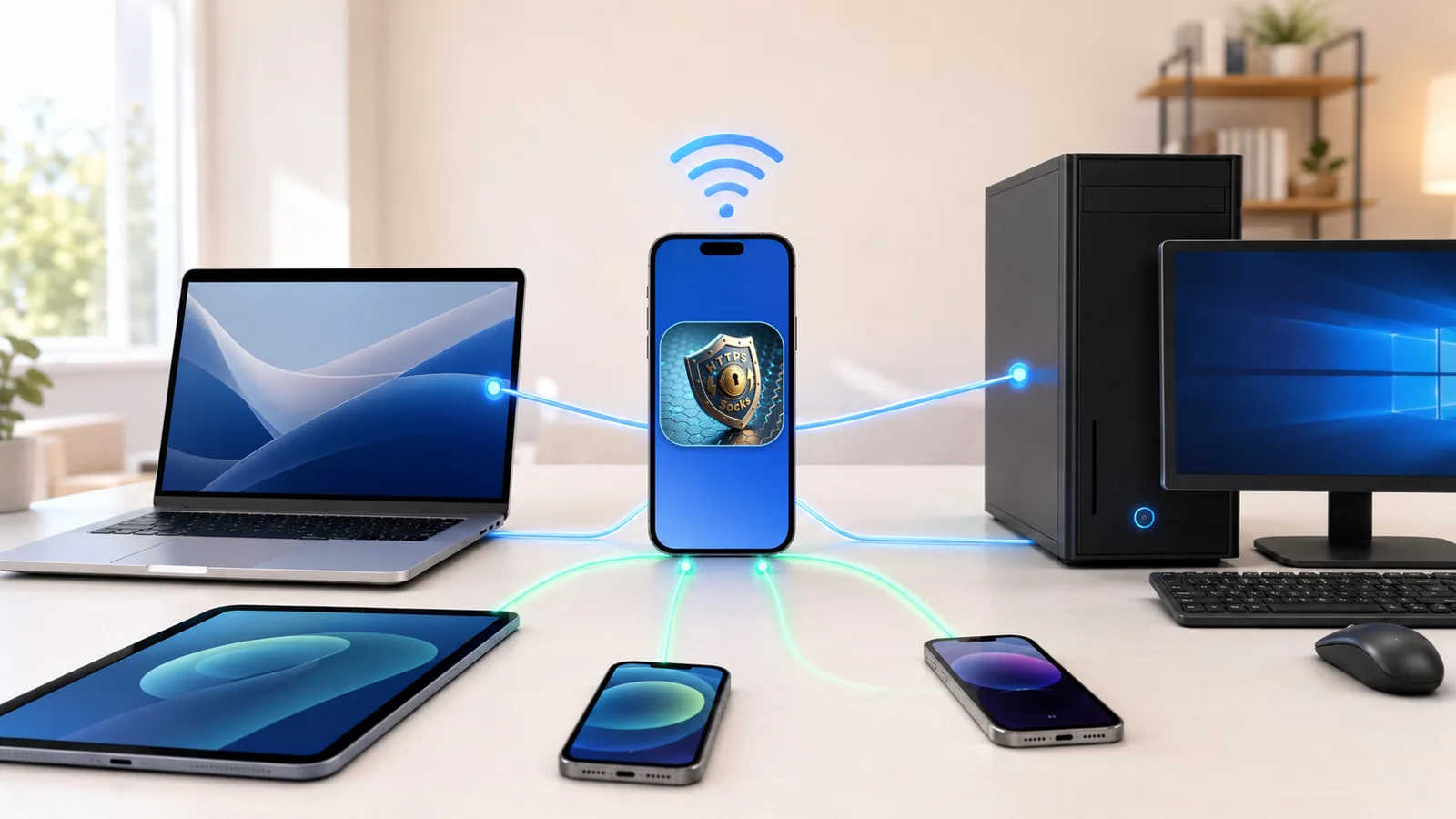
When several devices use an iPhone as a local proxy, starting the listener is only the first step. You also need to see which device is connected, what its sessions are doing, and where to look when a request fails.
MonoProxy 2.9.3 focuses on that everyday workflow. Building on 2.8.3, it expands device management, adds session analysis, improves diagnostic reports, and makes saved configurations easier to organize and move between devices.
From a device to its sessions
The device list gains status filters, device details, links to related sessions, and export of the filtered device records. When one computer has trouble while another works, you can narrow the investigation to the affected device instead of searching the whole connection list.
In the session view, combine search and filters to inspect the relevant connections. Session analysis groups the selected view by protocol and destination, making connection counts and the destinations accounting for traffic easier to inspect. Failure details show the recorded stage when that evidence is available.
These views describe the sessions MonoProxy has observed. They do not inspect the contents of encrypted HTTPS traffic, and retained session records are not a permanent browsing archive.
Diagnostics with a clearer next step
The diagnostic center adds filters by stage and result, resource status, suggested actions, and a report preview before sharing. That helps distinguish a listener problem from client configuration, authentication, or a later connection failure.
The distinction between listening, a client reaching the proxy, and verified traffic still matters. A running listener alone does not prove that another device is using it successfully.
A practical troubleshooting path in 2.9.3 is:
- Filter the device list and open the affected device.
- Inspect its related sessions and any recorded failure stage.
- Use the diagnostic center to review the relevant checks and suggested actions.
- Preview a diagnostic report before sharing it, or export the relevant device or session records for further inspection.
A more useful profile library
Saved profiles now support search, sorting, duplication, import previews, and selective export. You can review incoming changes before applying them and choose which profiles to transfer.
A copied profile retains its authentication requirement without copying its password. Portable profile files carry supported behavior settings; credentials and the network interface must be configured on the receiving device. Moving a configuration should not silently weaken its access requirements or assume that two devices have the same local interface.
The Siri and Shortcuts support introduced in the previous release remains part of the workflow, alongside the expanded profile library.
Recovery that respects the selected network
If the proxy was running and its selected interface loses its listening address, MonoProxy can wait for that interface and attempt controlled recovery. It preserves the selected interface and address family instead of switching to another network automatically. If the interface is unavailable or the replacement address is ambiguous, recovery waits rather than guessing.
Manual stop, cancellation, and expiry of iOS background execution time cancel recovery. Recovery intent does not survive a cold launch. When the listening address changes, clients may need their proxy address updated; rebuilding the listener interrupts existing TCP sessions, so clients must reconnect.
Reliability behind the controls
2.9.3 also refines audio-session handling, authentication rate limiting, and connection and UDP resource management. Audio-session work moves off the main thread, and stale asynchronous startup results are prevented from restarting playback after a stop.
Together, these changes improve how startup, stop, and resource-lifecycle events are handled during everyday use.
Using MonoProxy 2.9.3
MonoProxy continues to provide a user-controlled local HTTP, HTTPS CONNECT, and SOCKS proxy on iPhone and iPad, with an iOS 15 minimum. Clients need compatible proxy settings and a network path to the phone. HTTPS CONNECT remains an opaque tunnel; no certificate installation or HTTPS decryption is involved. Background operation remains subject to iOS execution limits.
Find MonoProxy on the App Store, and check the version shown in your storefront for update availability. For connection setup, see the MonoProxy product guide. The 2.8.3 release notes cover the earlier Siri, Shortcuts, network-aware profile, and SOCKS5 UDP additions.